Preparing for Escape
Just a miscellaneous collection of what I’ve been up to these past two weeks.
Periodic table
We couldn’t find an adequate periodic table online or on Amazon, so I ended up modifying one I found that was in HTML and CSS form. What we needed was a periodic table without any extraneous numbers, but also included the full names of the elements so that the puzzles we constructed could be solved. I ended up making this, and we printed it out really big thanks to the in-browser PDF print exports.
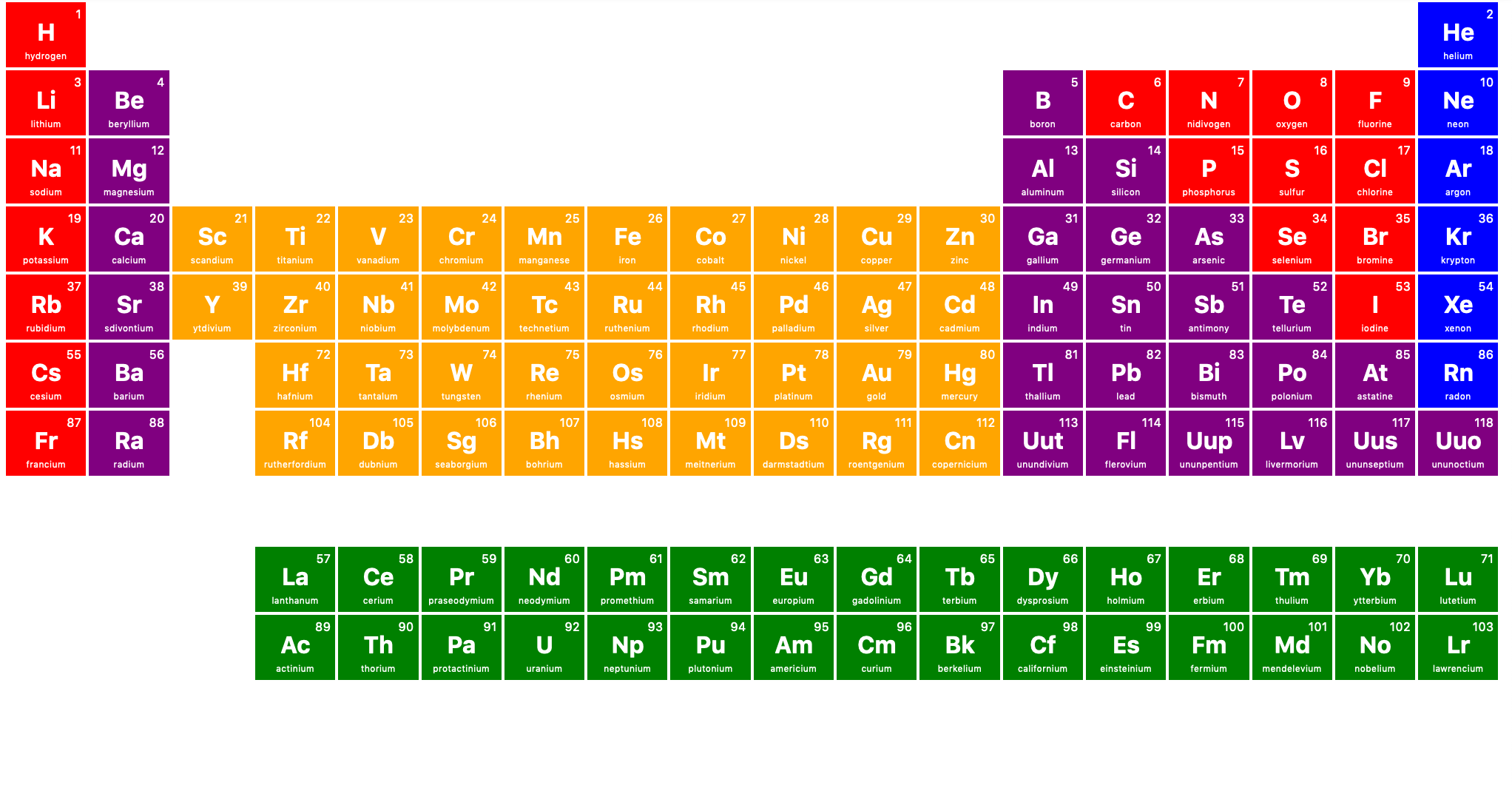 Custom periodic table.
During playtesting, we ended up discovering that the colors were a bit misleading due to our glasses puzzle. I’m going to modify these colors so they aren’t visible from the red glasses.
Web app
I wrote a basic web interface for remotely activating some gamemastered elements of the game: changing Dr. Sanchez’s computer, and playing the time machine video. It works using Node.js and Socket.io, and is deployed to Heroku. The idea is that we will have Raspberry Pis running the web app, and our gamemastering computer running the controller interface.
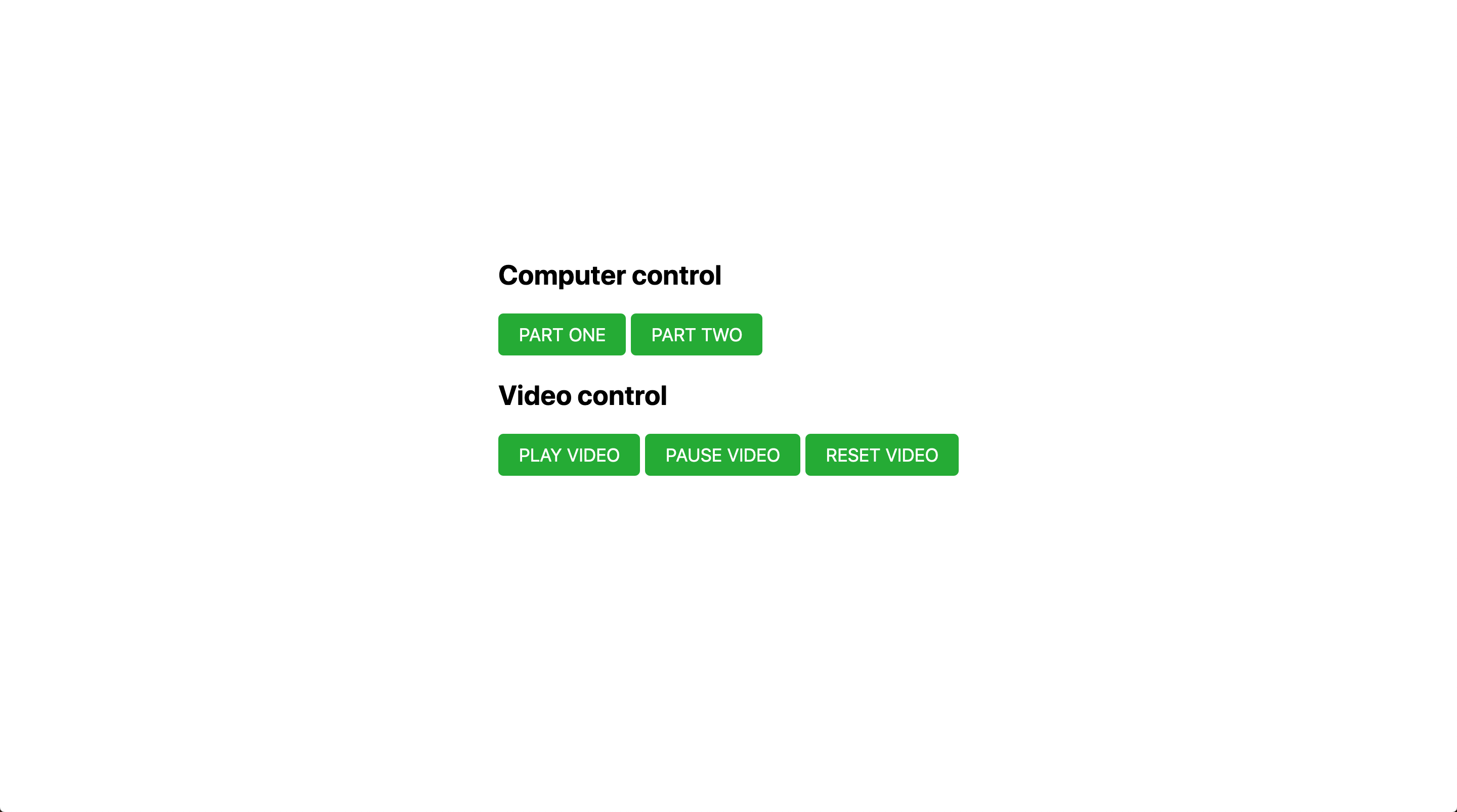 Gamemaster web interface.
What remains is constructing the time machine walls, the time machine control panel, and putting it all into the room with our A/V equipment. We’re also going to have to add a lot more props; the room feels very sparse as it is.
Raspberry Pi
Setting up the Raspberry Pis turned out to be quite a task. I dug up two Pis from as old as 2015, a Model B and an original Pi. Here’s a list of the issues I ended up running into:
- Forgot the password for the older Pi; luckily Pis are very insecure and you can easily reset it
- Older Pi lacks wifi reciever since I lost it
- Boot from USB not setup on newer Pi; had to install OS on microSD to first boot in order to set this bit
- Pis play poorly with WPA2-Enterprise wifi authentication; default GUI wifi wouldn’t allow me to connect to eduroam and I needed
wpa_guifor this and it somehow worked (settings: WPA2-Enterprise, PEAP, standard logins). Default “nyu” wifi wouldn’t work, and didn’t even show up at all (I have no clue why; here are some potential clues) - Pis also play poorly with the apostrophe (’) in iPhone hotspot names: Michael’s iPhone gave some weird character encoding errors, and I had to change my phone’s name to MyPhone in order to get this to work.
- The files for NOOBS and Raspbian were massive and took a long time to download
- Formatting the flash drive for Raspbian took forever as well (even longer than the download)
- There was a chance the flash drive wouldn’t even be compatible with booting since I got it for free from a career fair, but I got lucky
- Running the initial install also took a long time (you can sense a pattern now)